Changelog

What we shipped

RSS

Guests can see their own private rolls
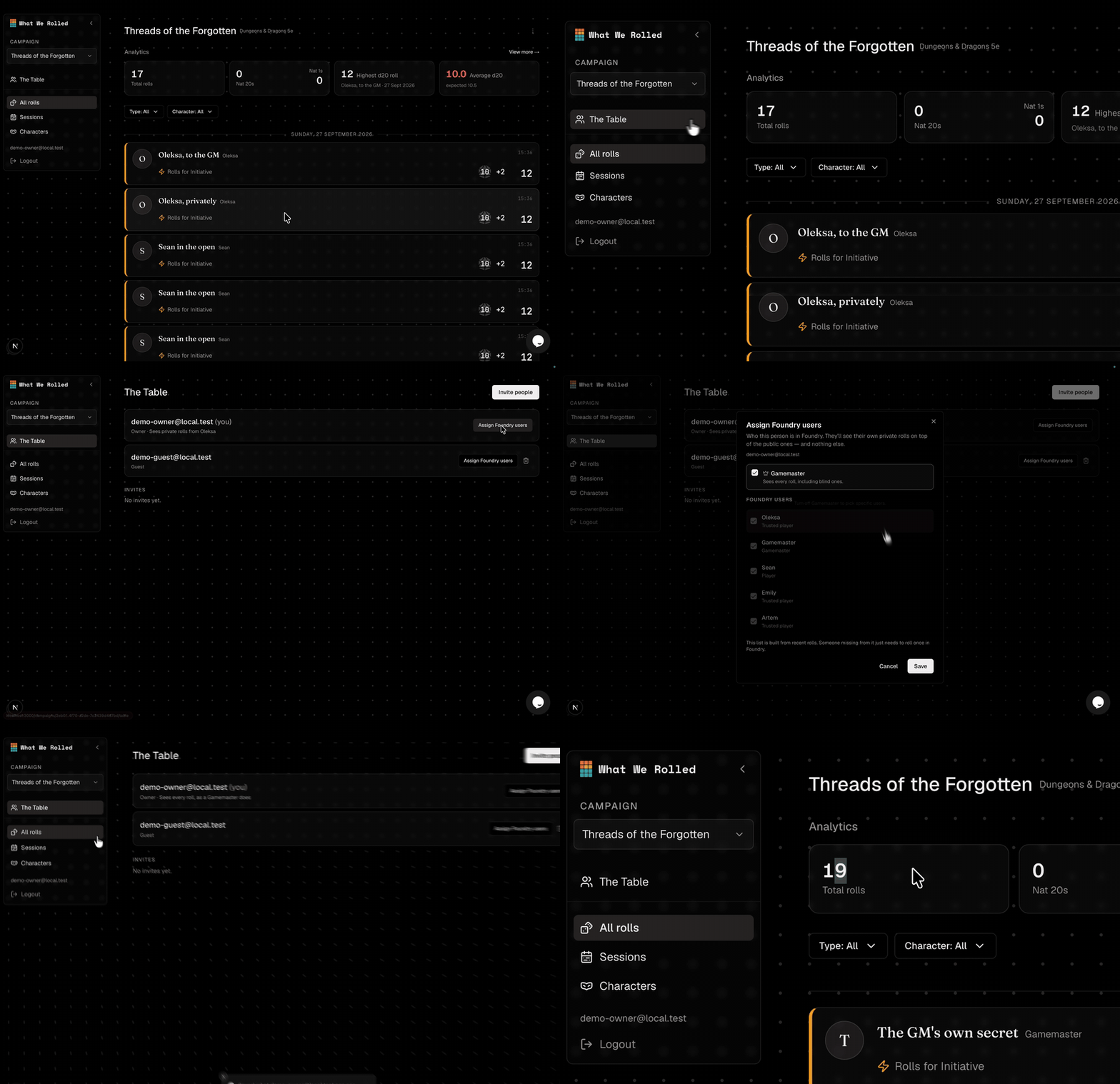
Assigning a member their Foundry user on The Table, and the private rolls appearing in the feed

Guests can now see their own private rolls — the quiet Perception check, the roll whispered to the GM. Before, only the account admin could see those.

Under The Table, each person has a new Assign Foundry users button: pick who they are in your world, and they’ll see the private rolls they made themselves. They still won’t see anyone else’s.

There’s a Gamemaster switch for whoever runs the game: every roll, blind ones included, the same as sitting behind the screen.

Improvements
  • A private or blind roll now carries a small badge, so whoever can see it knows how it was rolled — and which numbers the rest of the table never saw.
Every roll says what it was made with

A roll card's item names being clicked, each opening that item's card


A roll used to arrive as a list of numbers with nothing behind them. Now a card tells you what happened: “Two-handed attack with Longbow using Arrow +1”, “Casts Level 3 Fireball from Wand of Fireballs”, “Healing with Potion of Healing”.

Needs module 0.7.0 — update it in Foundry’s Manage Modules. Rolls from before the update keep reading the way they did.

Every name is a card. Click the longbow to see the longbow — its art, its description, what it is. The same for the ammunition it spent, the item a spell was cast from, and the creature on the other end of the attack.

The breakdown behind the total follows the same idea: each bonus says which item granted it, so a modifier is something you can trace rather than a number to trust.

Improvements
  • Every bonus in a roll's breakdown names the item that granted it, so a +1 says it came from the Stone of Good Luck rather than appearing from nowhere.
  • A weapon mastery is named on the attack that used it, and opens the rule's own text.
  • Targets are named and open their card, so an enemy the party keeps fighting is the same creature every time.
  • An ability recharging says which ability — a dragon's breath weapon, not just "recharge".

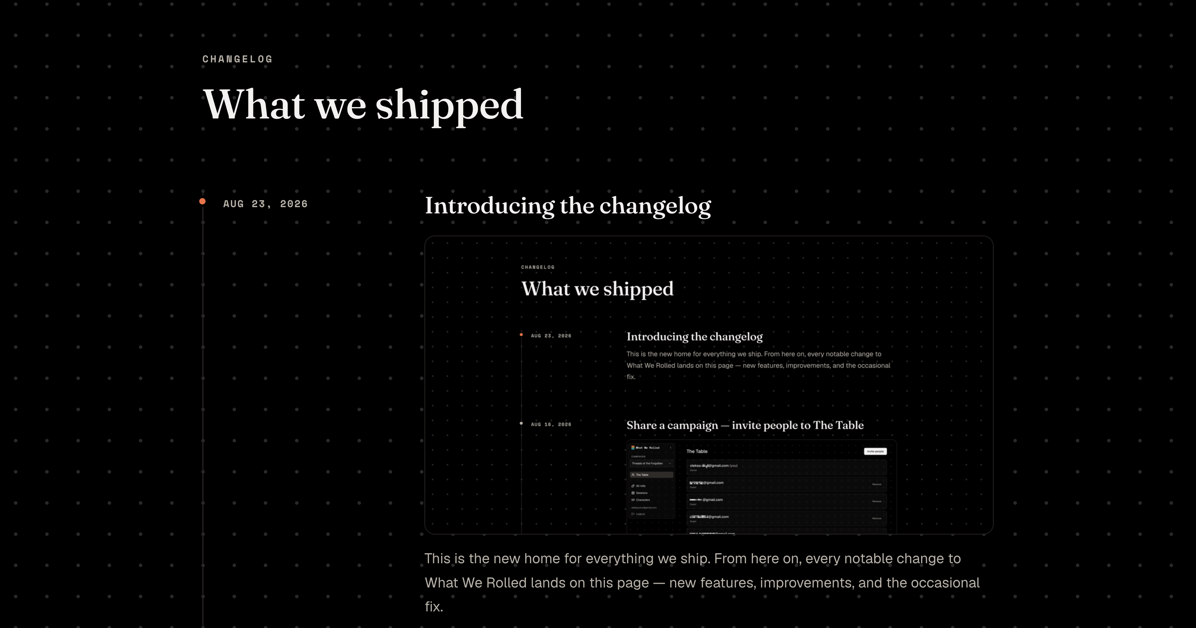
Introducing the changelog

The What We Rolled changelog

This is the new home for everything we ship. From here on, every notable change to What We Rolled lands on this page — new features, improvements, and the occasional fix.

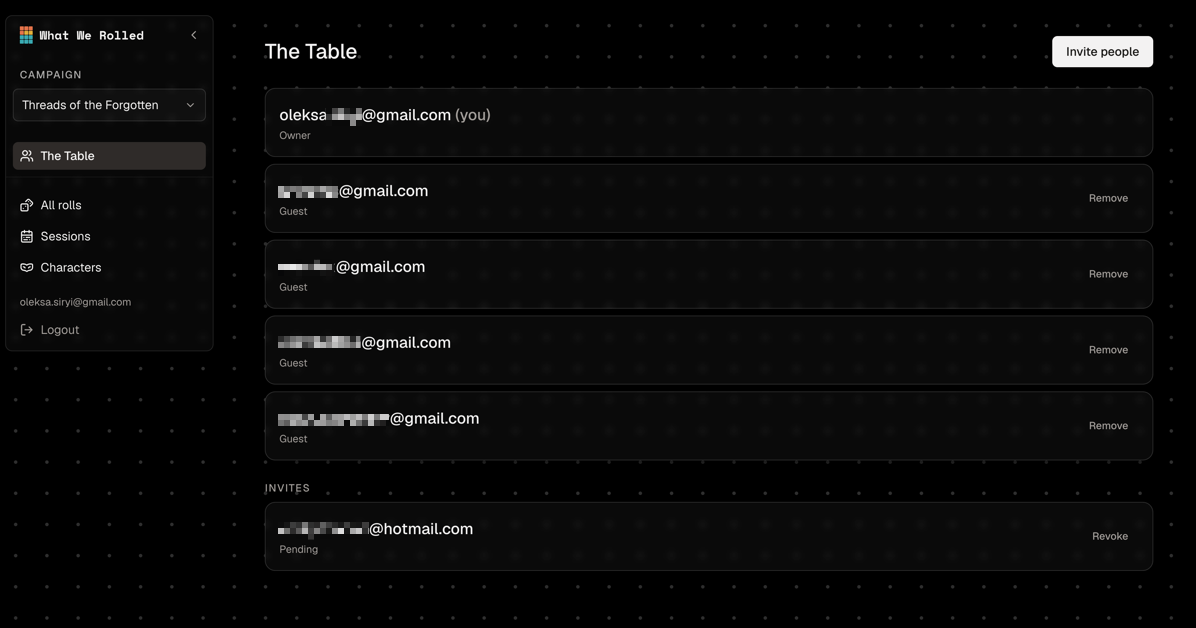
Share a campaign — invite people to The Table

The Table — a campaign's people and pending invites

Your campaign is more fun with the party in the room. Invite players by email — they click the link and land straight in the rolls as a guest.

Everyone lives on The Table, a page for a campaign’s people: see who has access, remove or re-invite anyone, and resend an invite that expired.

Roll breakdowns name more of the bonus

Roll card breakdowns now name bonuses that scale with a class feature or your level — “Rage damage,” “Fighter levels” — instead of a bare number. Magic ammunition is also credited on the damage it adds.

Roll table draws show what came up

Rolls on a Foundry roll table are now recognized as table draws. The card shows the entry that came up and which table it was drawn from, instead of reading as a plain manual roll.

Pathfinder 2e and Starfinder 2e support

What We Rolled now works with Pathfinder 2e and Starfinder 2e. Roll cards read correctly for both systems, you can pick your system when creating a campaign, and analytics cover PF2e and SF2e games.

Foundry VTT v13 support

What We Rolled now works on Foundry VTT v13, alongside v14 — so more tables can connect their game without waiting on an upgrade.

Improvements
  • Richer roll cards: attack mode and critical damage on the card, multi-type damage combined into one, and proficiency, expertise, and half-proficiency told apart.
  • Rolls show who was targeted, and enemy tokens by name.
  • d100s read as a percentile 2d10 pair, and death-save outcomes are shown.
  • Bonuses that scale with a class feature or your level are labelled, magic ammunition is credited on its damage, and healing rolls show their full breakdown.
  • Analytics and the rolls list now cover every roll in a campaign, not just the most recent thousand — page through the full history with accurate all-time totals.

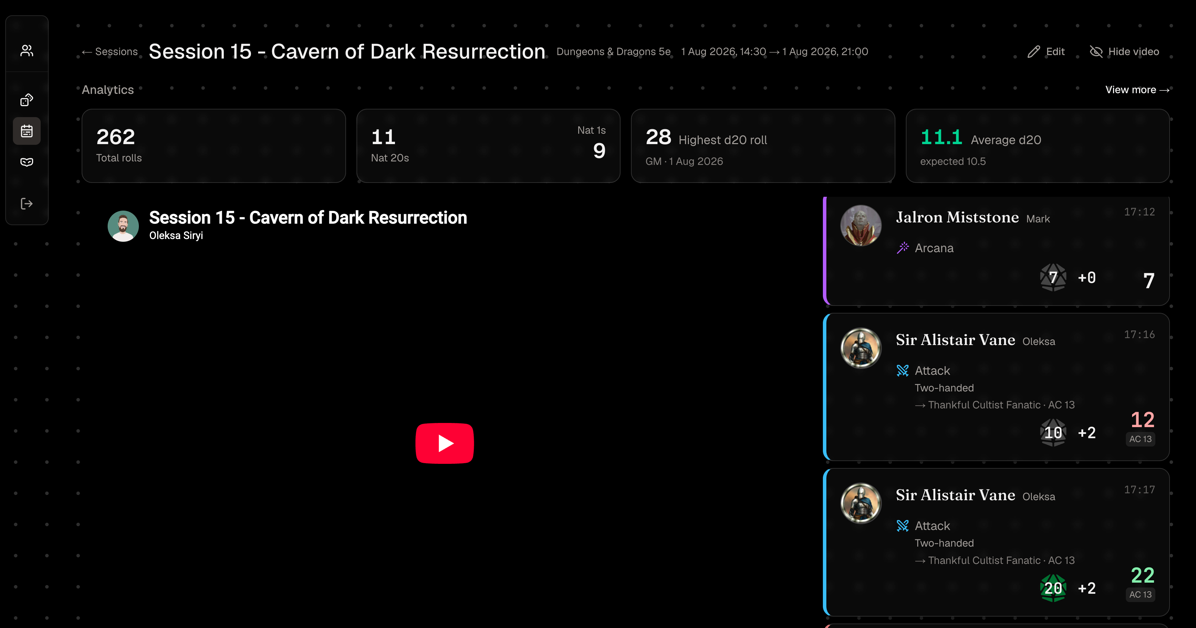
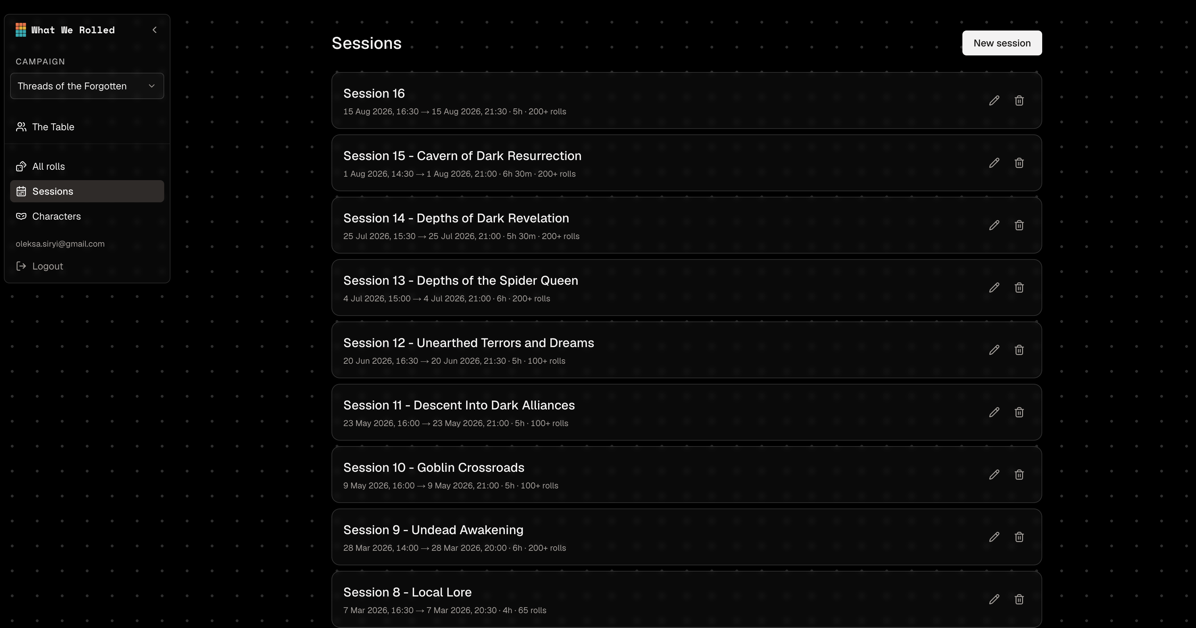
Manage your campaigns, session by session

Campaign management and the sessions view

Create, rename, and archive campaigns, and switch between them from the sidebar. Each campaign’s play is broken into sessions by day, and every session has its own analytics.

Ready Set Roll (Reforged) support

Attack and damage rolls made through the Ready Set Roll (Reforged) module now show their full breakdown — each bonus by source — just like normal rolls, including retroactive advantage/disadvantage and critical damage.

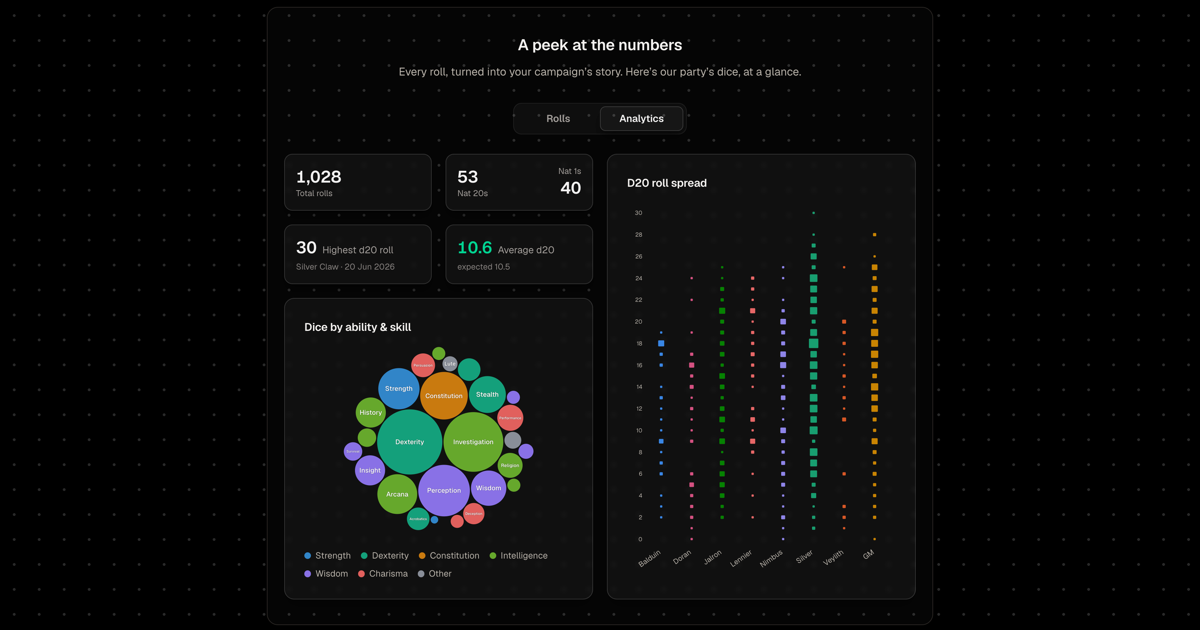
See your luck, charted

The What We Rolled analytics page with dice charts

A dedicated analytics page with new charts — a D20 spread, dice pacts, and headline stat tiles — so you can read your campaign’s luck at a glance, not just scroll the rolls.

whatwerolled.com is live

The What We Rolled landing page

What We Rolled has a home on the web — a place to see what it does, how it looks, and how to get your table connected.

What We Rolled is live

The first release. Connect your Foundry game and What We Rolled collects every roll, so you can look back on all of them — the nat 20s, the clutch saves, the cursed luck.

Day one came with passwordless email sign-in, a guided setup for your first campaign, in-app support, and the first analytics: per-character breakdowns, d20 luck, and dice spreads.